How to make product photos with ChatGPT
How to make product photos with ChatGPT: turn one phone photo of your product into campaign shots, with copy-ready prompts and fixes for common mistakes.

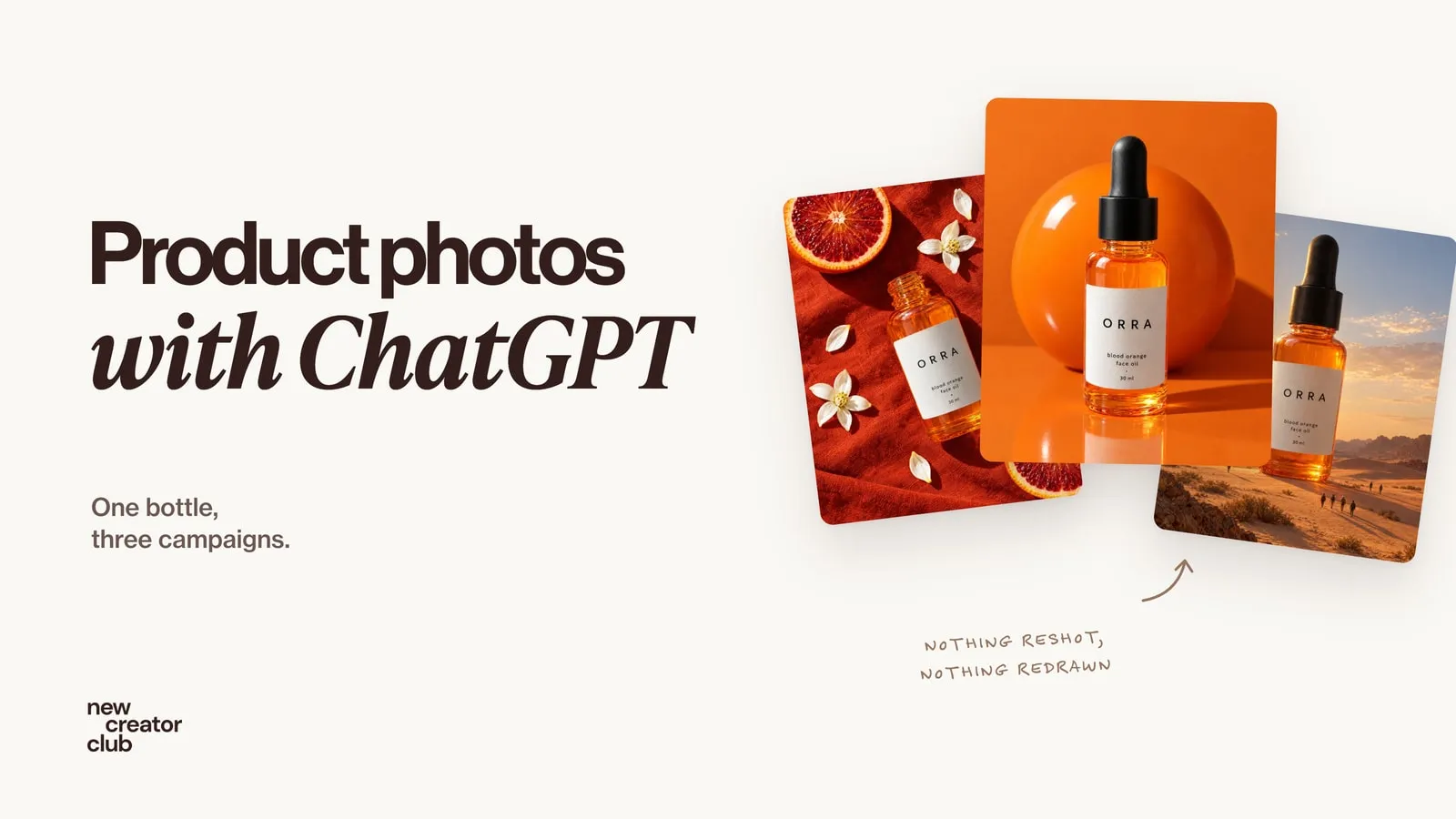
Upload a clear photo of your product, tell ChatGPT what must not change (shape, colours, label, logo), then describe one striking idea: the setting, the light and the camera. ChatGPT keeps your product and builds the scene around it, so one phone photo becomes a full set of campaign shots.
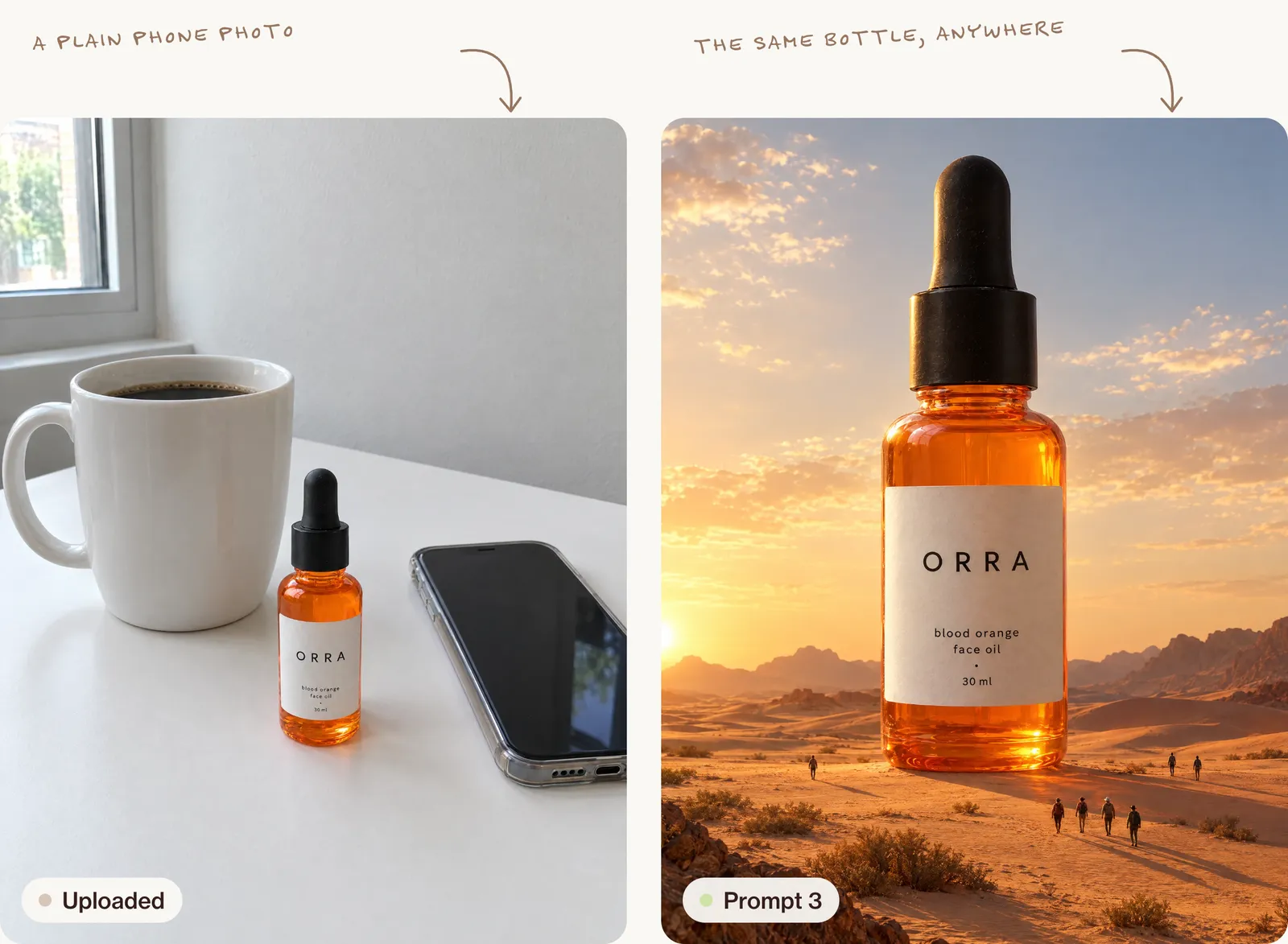
You can make professional product photos with ChatGPT from a single phone photo. Upload the photo, tell ChatGPT what must stay exactly the same, and describe the scene you want. Its image model keeps your product's shape, label and colours and builds a new world around it. Every picture in this guide shows one invented face oil, ORRA, made for this guide.
What you need
- A ChatGPT account. Image generation works on the free plan with daily limits; paid plans give you more images and faster results.
- One clear photo of your product. A phone photo is fine.
- An idea of where the photo will be used: an Instagram post, a story, a product page or an ad.
Step 1: take a clean reference photo
ChatGPT can only keep your product accurate if it can see it clearly. Before you prompt anything:
- Shoot in daylight, near a window, with no harsh shadows.
- Use a plain background: a white wall, a sheet or a table top.
- Fill most of the frame with the product, front-facing, with the label readable.
- If the product has an important detail (a logo on the lid, a texture), take a second close-up.
This one step fixes most of the problems people blame on AI.
Step 2: tell ChatGPT what must not change
Open a new chat, click the + and upload your photo. Then start your prompt by telling ChatGPT what to protect:
Use the product in this photo exactly as it is. Keep its shape, colours, label text and logo unchanged.Starting like this makes a big difference. Without it, ChatGPT may "improve" your packaging, change the font or invent a new label.
Step 3: describe one striking idea, not a generic scene
This is where most AI product photos go wrong. "My product on a marble table with flowers" gives you the same flat stock image everyone else has.
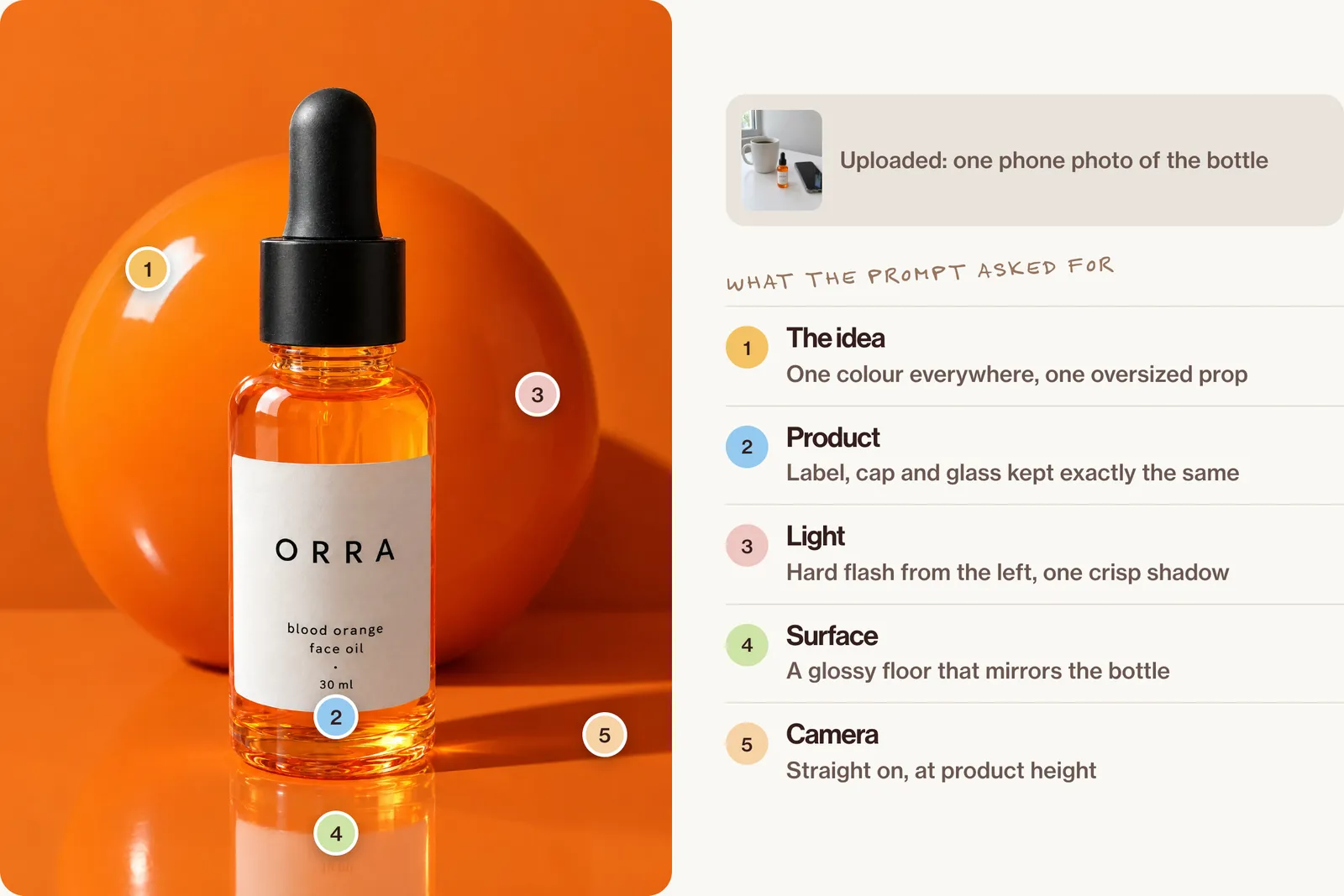
Campaign photos work because each frame has one clear idea: an unexpected setting, a bold colour story or a moment that tells you how the product feels. Describe:
- The idea: what makes this frame interesting
- The setting: where it is and what's around it
- The light: harsh sun, soft window light, flash at night
- The camera: close-up, top-down, low angle, and the lens feel
- The format: square for posts, 4:5 for the feed, 9:16 for stories and ads
Step 4: copy these prompts
Replace the words in [brackets] with your own product. Upload your photo first.
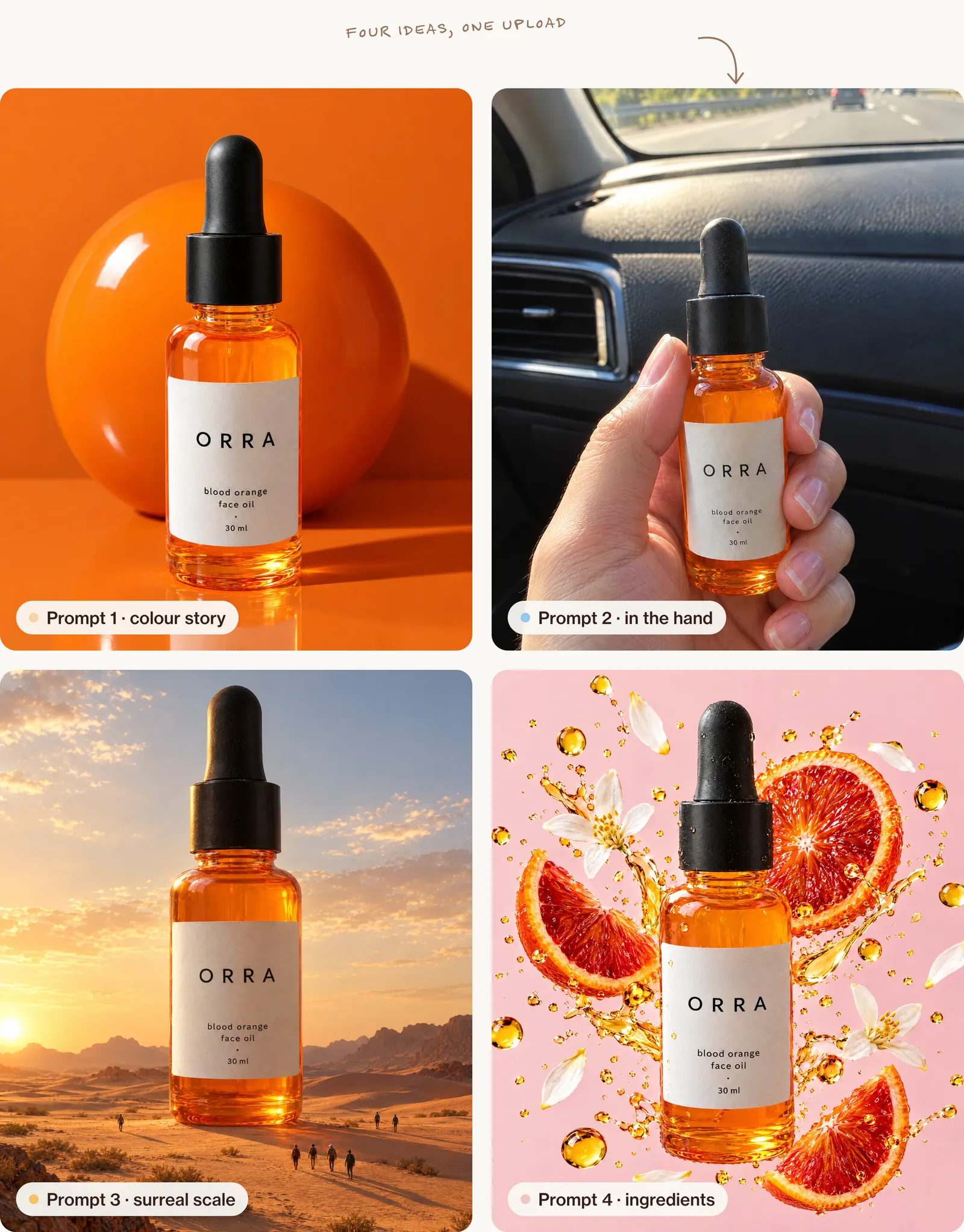
1. The bold colour story (great for skincare, drinks and beauty)
Use the product in this photo exactly as it is, keeping its shape, colours, label text and logo unchanged. Place it standing on a glossy surface in a set made entirely of one colour that matches the product's main colour, with a single oversized prop in the same colour behind it. Hard, direct studio flash from the front left casts one crisp shadow. Shot straight on at product height with a 50mm lens feel, ultra-sharp, high-end beauty campaign style. 4:5 vertical format.2. The in-the-moment hand shot (perfect for UGC-style ads)
Use the product in this photo exactly as it is, keeping its shape, colours, label text and logo unchanged. A woman's hand with natural, unpolished nails holds the product up towards the camera in the passenger seat of a car on a sunny afternoon, warm sunlight coming through the window, the dashboard and road behind. Shot on a phone, slightly imperfect framing, natural skin texture, real everyday moment, not staged. 9:16 vertical format.3. The surreal scale shot (made to stop the scroll)
Use the product in this photo exactly as it is, keeping its shape, colours, label text and logo unchanged. Make the product giant, the size of a building, standing in [a quiet desert / a city street at dawn / a calm sea], with tiny people walking past at its base for scale. Soft golden-hour light, long shadows, cinematic wide shot, realistic textures, clean composition with the product as the clear hero. 4:5 vertical format.4. The ingredient explosion (for food, drinks and skincare)
Use the product in this photo exactly as it is, keeping its shape, colours, label text and logo unchanged. The product stands in the centre while its key ingredients, [fresh blood orange slices, orange blossom petals and golden oil droplets], burst outwards around it, frozen in mid-air. Plain [soft pink] background, crisp high-speed flash, every droplet sharp, commercial advertising photography. Square 1:1 format.Step 5: fix what's not right with small edits
You rarely get the perfect image on the first try, and you don't need to start again. Stay in the same chat and ask for one change at a time:
- "Keep everything the same, but make the label text sharper and exactly match the original photo."
- "Same image, but move the light so it comes from the right."
- "Keep the scene, make the product slightly smaller in the frame."
- "Make it look more like a real photo: add natural grain and less perfect lighting."
One change per message works much better than rewriting the whole prompt.
Common problems and how to fix them
The label or text is wrong. Upload a sharper close-up of the label and say: "Copy the label text letter for letter from the photo." If it still drifts, keep the product a little smaller in the frame, because tiny text is harder to reproduce.
It looks too plastic or "AI". Add real-world details: "natural shadows, slight film grain, shot on a phone, imperfect framing." Avoid words like "perfect" and "flawless".
The product shape changed. Repeat the protection line at the start of every new prompt, and make sure your reference photo is front-facing and not distorted by a wide-angle lens.
Every image looks the same. Change the idea, not just the background colour. Swap the setting, the angle and the light in each prompt.
Make it a full campaign
Once you have one strong image, ask for the set in the same chat:
Using the same product and the same style, create four more images for the same campaign: a close-up detail shot, a top-down flat lay, a lifestyle shot with a person using it, and a story-format version with space at the top for text.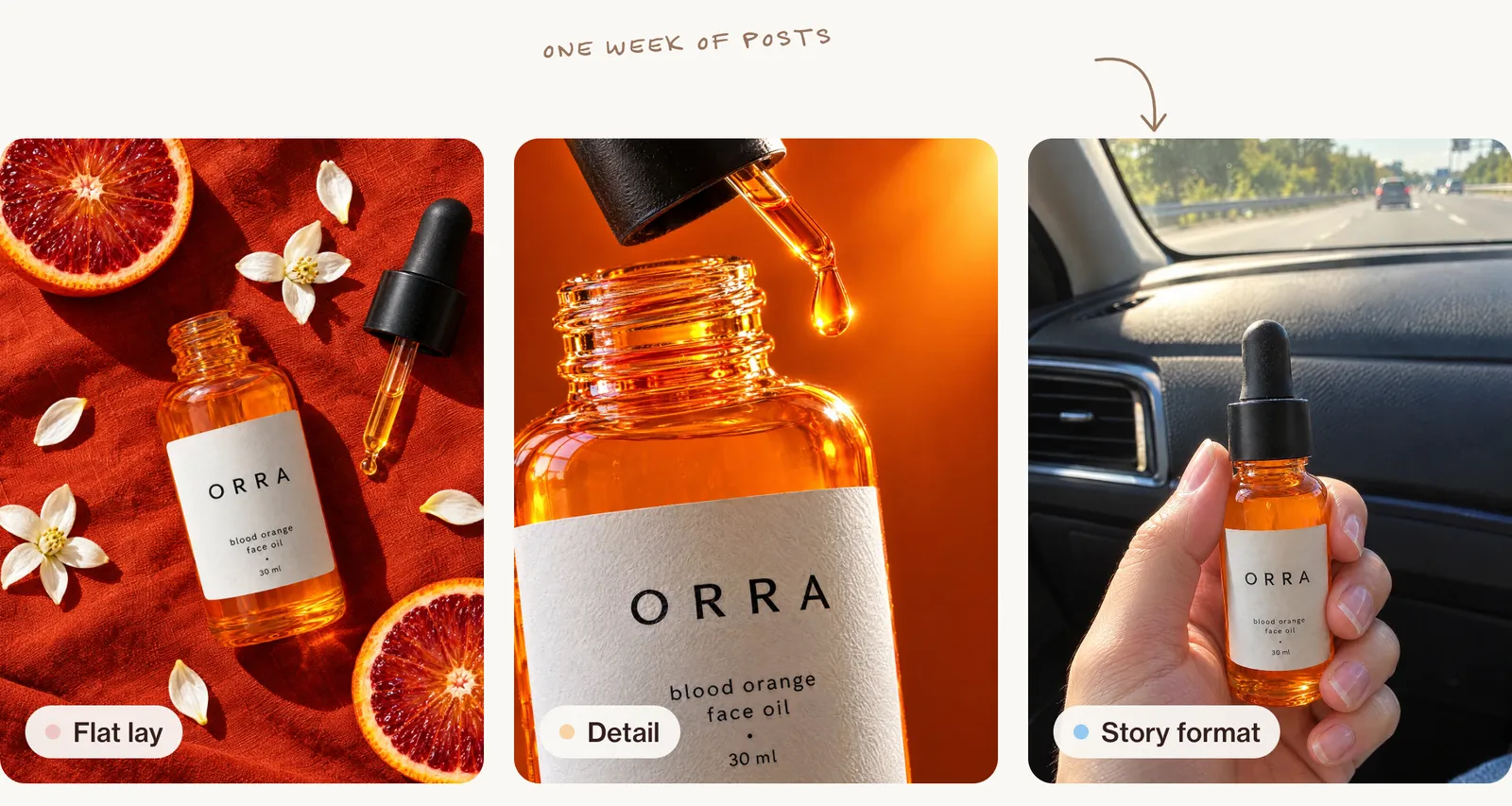
That's a week of content from one phone photo. For more ideas, see AI product photography: one packshot, a full studio shoot, and to turn these shots into ads, AI-generated ads people don't scroll past.
Can I use these photos for my business?
Generally yes. You can use images you create with ChatGPT for your posts, store and ads; check OpenAI's current terms for the details. Your product must still look like the real thing: don't change its size, colour or what's in the pack. Some platforms also ask you to label AI-generated content in ads.
FAQ
Can ChatGPT make product photos for free?
Yes. Free accounts can create images with daily limits. Paid plans give you more images and faster results.
Will ChatGPT keep my product exactly the same?
Usually, if you upload a clear photo and tell it to keep the shape, colours, label and logo unchanged. Small text can drift, so check every image and ask for fixes in the same chat.
What's the best format for Instagram product photos?
4:5 vertical for feed posts and 9:16 for stories and Reels. Ask for the format in your prompt.
Is ChatGPT better than Nano Banana for product photos?
Both are excellent. ChatGPT is great at following detailed instructions and keeping text readable; Nano Banana is fast and very good at realistic edits. Many creators use both.
Go further
One phone photo can carry a whole campaign once you know how to direct it. Inside New Creator Club you learn product shots, ads and short video from the same picture. Start creating.
Keep reading
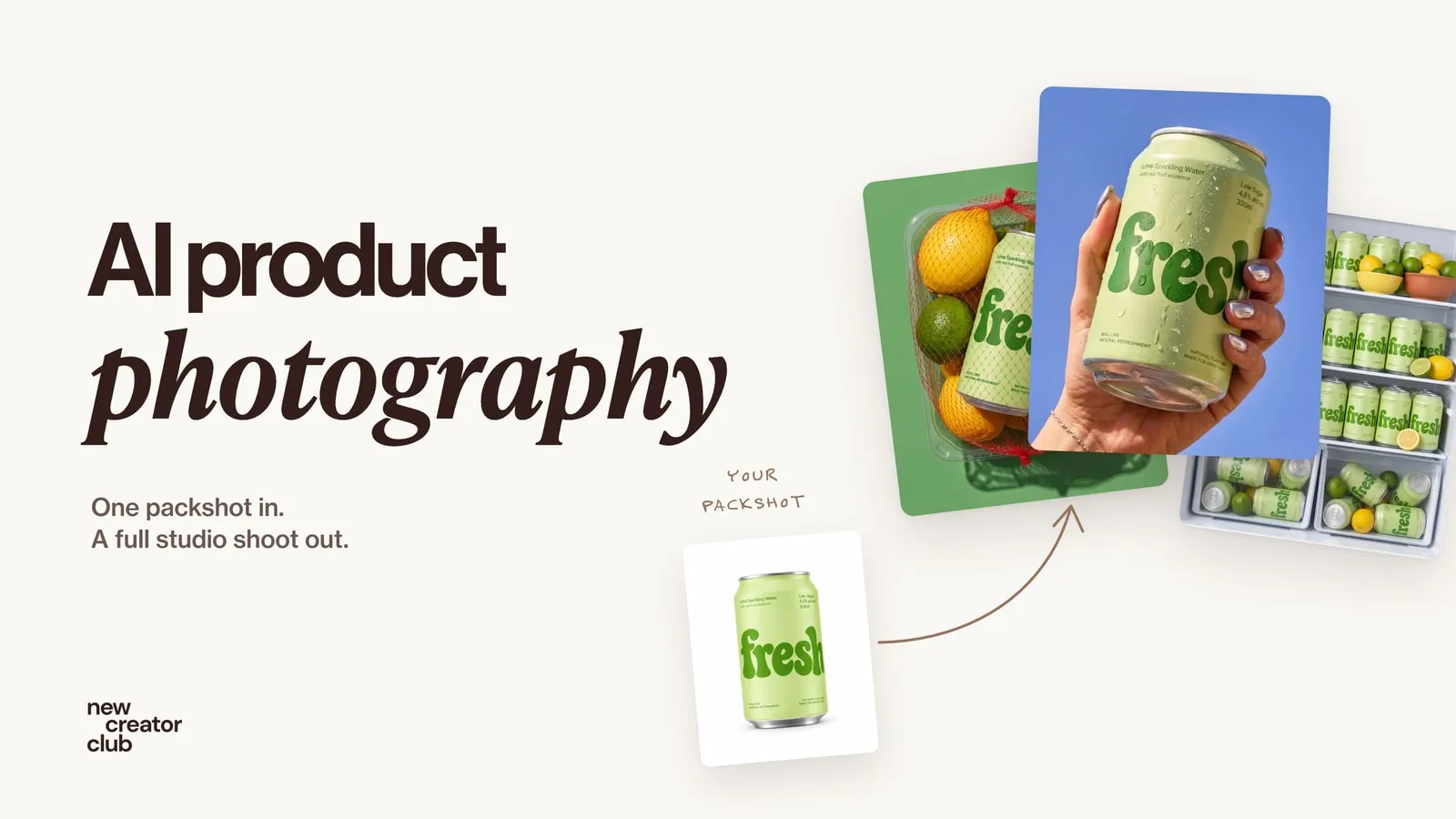
AI product photography: one packshot, a full studio shoot
AI product photography from one packshot: a full studio shoot that keeps the label and colours true, with a worked example, the prompts and the checks.
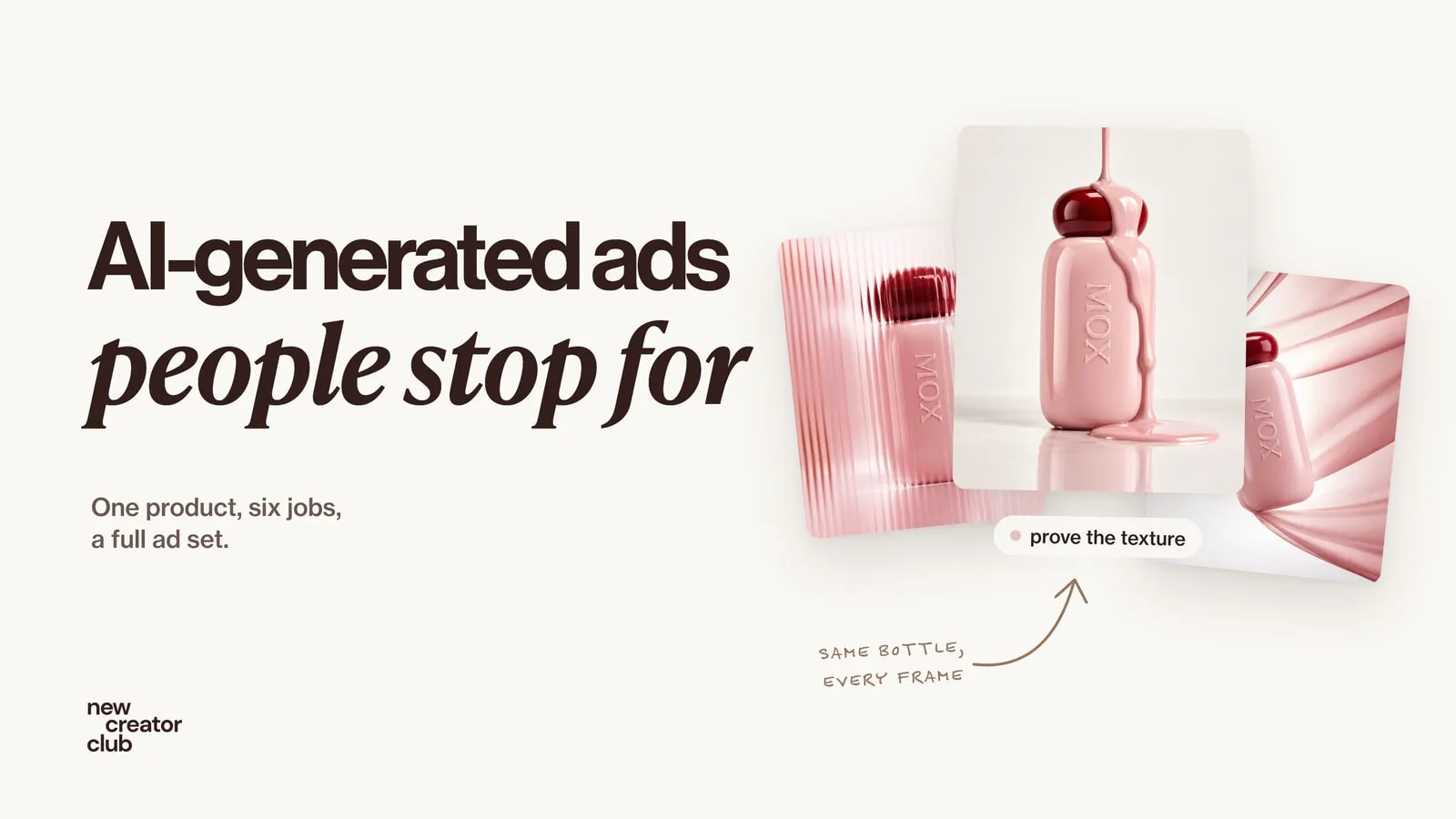
AI-generated ads people don't scroll past
How to make AI-generated ads that stop the scroll: one product kept exact, six ad jobs, a prompt for each frame, feed and story layouts, and what to test.
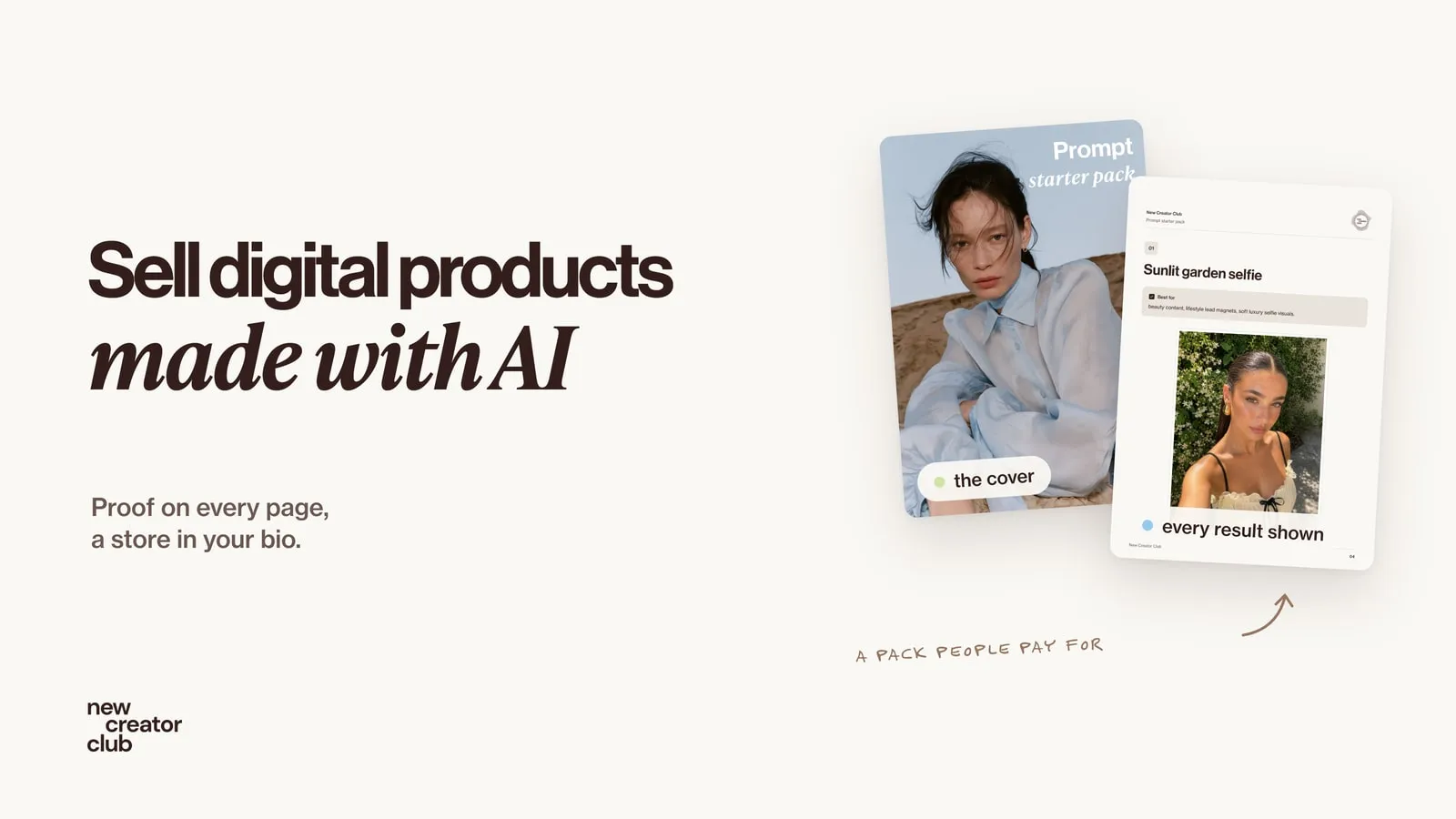
How to sell digital products made with AI
How to sell digital products made with AI: what people actually buy, how to build a prompt pack worth paying for, and Stan Store vs Gumroad vs Beacons.