How to create an AI influencer people actually follow
How to create an AI influencer step by step: design one face, keep it the same in every scene, give her a believable life online, and label it honestly.

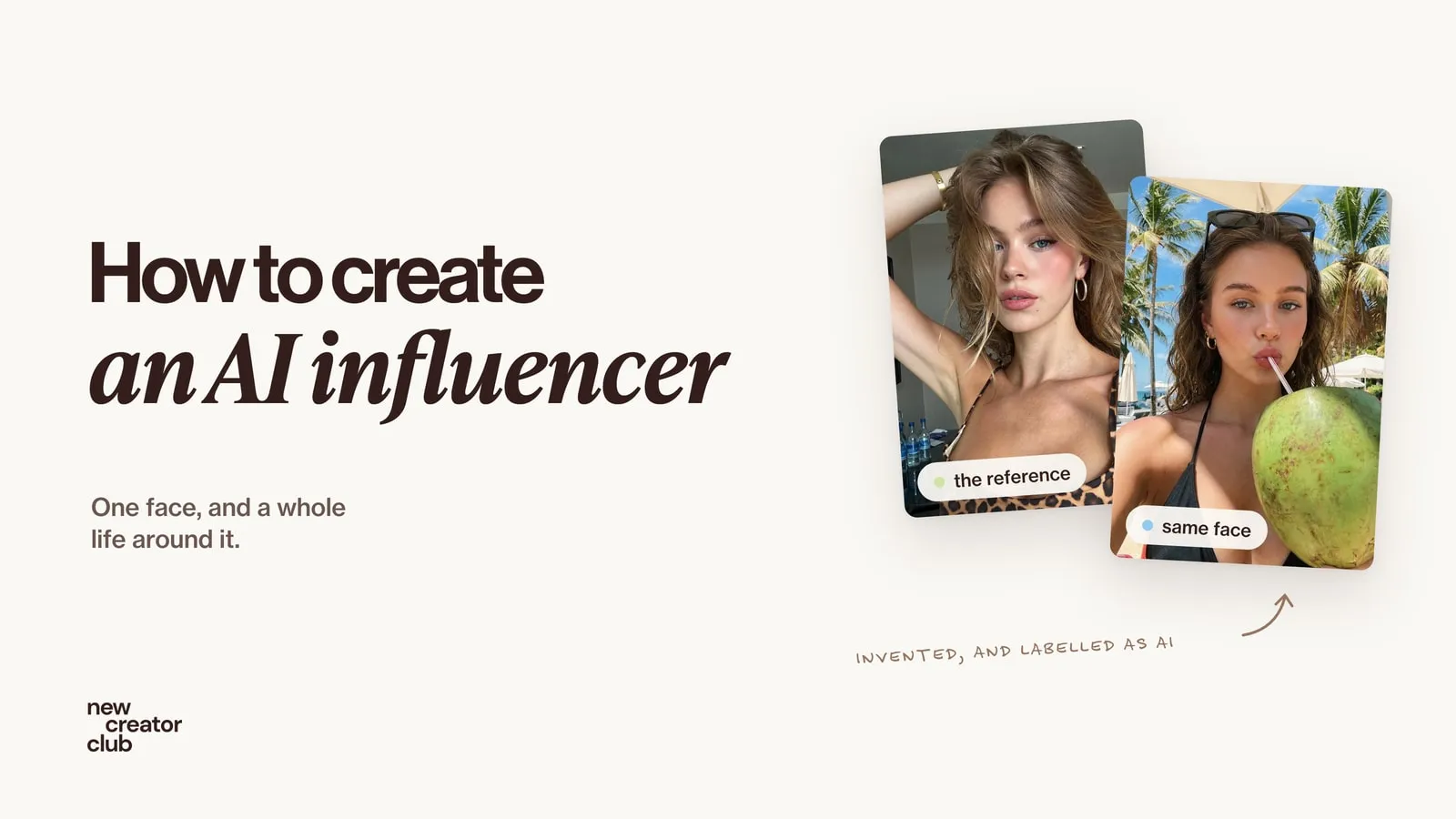
An AI influencer is an invented person whose photos and videos are made with AI and run by a real creator or brand. To make one people follow: design one specific face, save a reference so it never changes, give her a believable life with a few recurring themes, and say clearly that she is AI.
Most AI influencers fail for the same two reasons: the face changes from post to post, and the life around it looks like a stock photo. This guide fixes both. You'll design one specific face, lock it with a reference, build a feed that feels like a real person's camera roll, and label it honestly. Every picture here shows one invented woman, made for this guide.
What is an AI influencer?
An AI influencer is an invented person whose photos and videos are made with AI. A real creator or brand decides what she wears, where she goes and what she posts. Some are open experiments, some are brand mascots, and some work with brands just like human creators do.
What separates the ones people follow from the ones they scroll past is not the tool. It is consistency: the same face, the same personality and a life that makes sense.
Step 1: design one specific face
Start with a single reference portrait. Describe her like a casting brief, with details a real person has: eye colour, hair texture, a few freckles, the jewellery she always wears. Vague prompts ("beautiful young woman") give the same generic face everyone else has.
Creative direction: the first photo of a new character, a reference portrait that every later picture will be matched against. Art direction: a candid selfie in a hotel room, one hand pushed into her hair, looking straight into the lens with a relaxed, slightly bored expression. Subject: a woman in her early twenties with light skin, rosy cheeks, light blue eyes, full lips and shoulder-length wavy hair, dark blonde at the roots fading to honey; small gold hoop earrings and a thin gold bangle she always wears. Wardrobe: a leopard-print cami top. Lighting: soft daylight from a window on her left, a little shine on her nose and cheekbones. Photography: a phone's front camera held at arm's length, eye level, vertical 3:4, everything in focus, no background blur. Mood: confident, unbothered, real. Post-processing: natural phone processing, real skin texture with pores and fine flyaway hairs, no beauty filter, no smoothing.Make a dozen versions and pick the one you'd recognise in a crowd. That picture is now her reference: save it and never edit her face again.
Step 2: keep her face the same in every scene
There are two reliable ways to keep a face consistent:
- Upload the reference with every prompt and say what must not change. This works in most image tools, including Nano Banana.
- Save her as a character. Tools such as Higgsfield's Soul ID learn the face from several photos, so you call her by name instead of uploading each time. Our Higgsfield prompts guide shows how a whole campaign stays consistent with one model and one reference.
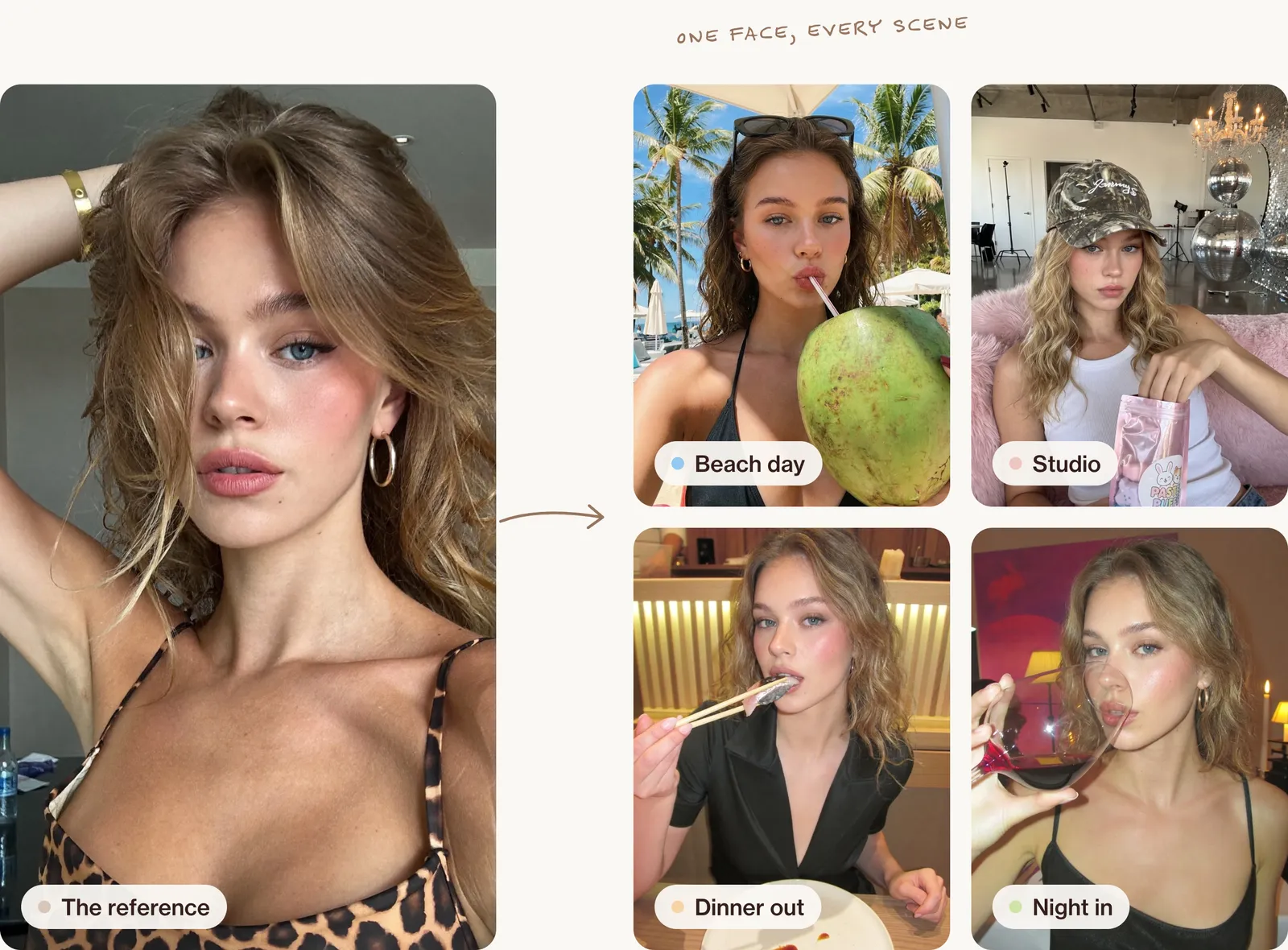
Every scene prompt starts the same way. Change everything around her, never her:
Same woman as the reference image. Keep her face, light blue eyes, freckles, wavy dark blonde hair and gold hoop earrings exactly the same.Step 3: give her a life, not a photoshoot
Real feeds are built from a few themes that repeat: where someone eats, travels, gets ready, hangs out. Pick three or four and stick to them. For this character: beach days, studio life, dinners out and getting ready.
The pictures should look like her own phone took them: front camera, a slightly awkward angle, ordinary light. Studio lighting on every post is the quickest way to look fake.
Beach day
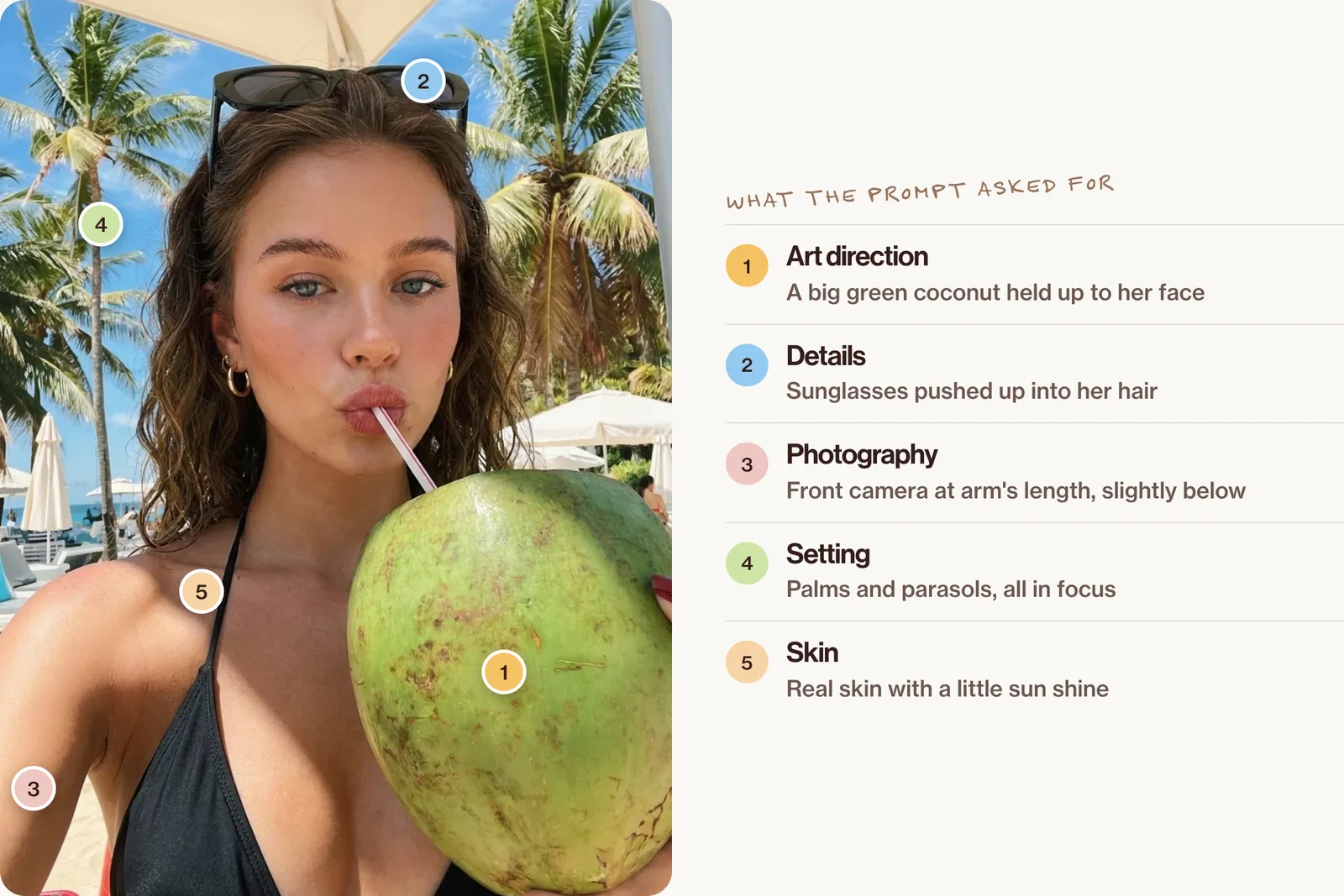
Same woman as the reference image. Keep her face, light blue eyes, freckles, wavy dark blonde hair and gold hoop earrings exactly the same. A selfie at a beach bar: she sips from a straw in a big green coconut held up to her face, black sunglasses pushed up into her hair, a black bikini top, palm trees and white parasols behind her under a hard blue sky. Midday sun from above, bright highlights on her cheeks and the coconut. Phone front camera at arm's length, slightly from below, vertical 3:4, everything in focus including the palms. Natural phone colour, real skin with a little sun shine, no smoothing.Studio afternoon
Same woman as the reference image. Keep her face, light blue eyes, freckles, wavy dark blonde hair and gold hoop earrings exactly the same. She sits on a fluffy pink chair in a white photo studio, wearing a faded camo baseball cap and a white ribbed tank top, reaching into a small pastel snack bag and looking into the lens; behind her, a chandelier and a giant mirrored disco ball on the concrete floor. Flat studio daylight, soft shadows. Phone camera held by a friend at chest height, vertical 3:4, everything in focus. Casual, a little deadpan. Natural phone processing, no beauty filter.Dinner out
Same woman as the reference image. Keep her face, light blue eyes, freckles, wavy dark blonde hair and gold hoop earrings exactly the same. At a small sushi counter she takes a bite of salmon sashimi with chopsticks, looking straight at the camera, wearing a black wrap shirt; warm wood slats glow behind her and a white plate sits in front of her. Warm low restaurant light from above and behind. Phone camera across the table, eye level, vertical 3:4, everything in focus. Playful, mid-bite, unposed. Natural phone colour with a little noise in the shadows.Night in
Same woman as the reference image. Keep her face, light blue eyes, freckles, wavy dark blonde hair and gold hoop earrings exactly the same. Late evening at home, she drinks from a large glass of red wine tilted towards the camera, a black slip top, a magenta painting and a lit candle behind her. Warm lamplight from the right and a hint of on-camera flash. Phone front camera at arm's length, vertical 3:4, everything in focus. Relaxed, a little cheeky. Phone processing with flash glare on the glass, real skin, no smoothing.For the skin to pass a close look, see our guide to fixing plastic skin.
Step 4: make her move and talk
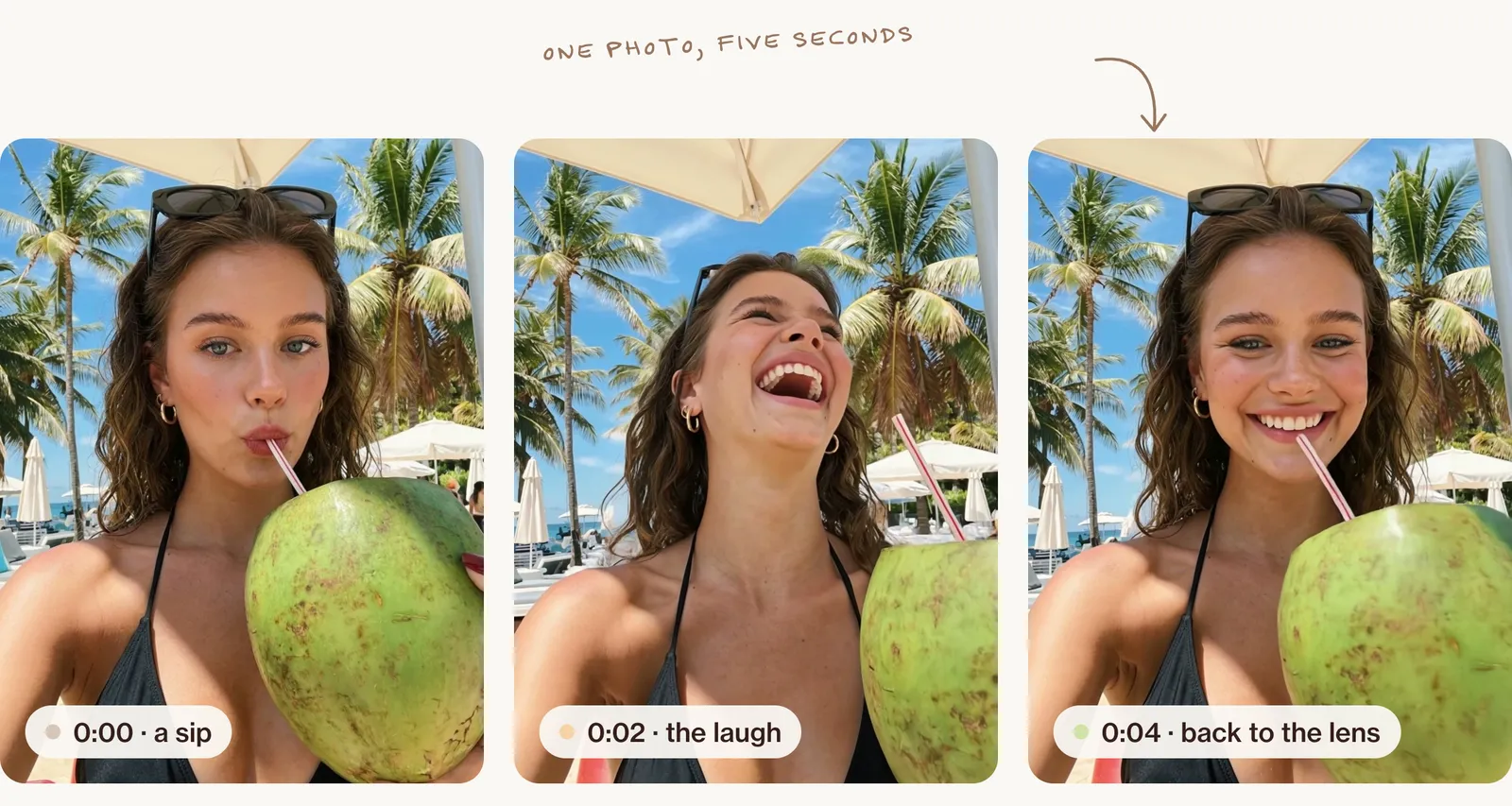
Photos build the look; short videos build the following. The steady way is to start from one of her photos and animate a small, natural moment: a laugh, a sip, a glance at the camera. For talking videos, write a short script in her voice and keep the camera at phone distance. Our AI UGC ads guide walks through the script, the phone camera look and the edit.
Do you have to say she's AI?
Yes, and it helps more than it hurts: people follow AI characters happily when they know. Short version, not legal advice:
- Say it on the profile and in captions. "AI character" in the bio and an #ai tag remove any doubt.
- Use the platform labels. TikTok requires a label on realistic AI-generated content, and Meta shows an "AI info" label when you mark a post as AI-made or its systems detect it.
- Paid posts still need #ad. In the US, the FTC's Endorsement Guides require brand deals to be clearly disclosed, and nothing exempts an AI character.
- Never copy a real person. Don't build a character from a real person's face, name or style without their agreement.
Common mistakes
| What goes wrong | The fix |
|---|---|
| Her face changes between posts | Always start from the same reference and list the features that must stay |
| Everything looks like a photoshoot | Use phone angles, ordinary light and a bit of mess |
| Skin looks plastic | Ask for real skin texture and no smoothing, and check close-ups |
| Every post is the same pose | Give each picture an action: eating, reaching, laughing, walking |
| No personality | Write five things she loves and three she hates, and post about them |
| Real brands appear by accident | Check labels and logos; invented or blank products are safer |
For the full list of tells, see how to make AI photos look real.
FAQ
How do I create an AI influencer for free?
Many image tools have a free tier, which is enough to design a face and test a few scenes. Keeping a character consistent over months is easier with a paid plan, so start free and upgrade once you know she works.
Which AI is best for an AI influencer?
Use a photo model that does natural skin and phone-style pictures, plus a way to keep the face: a reference upload or a saved character such as Higgsfield's Soul ID. Then a video model for short clips.
Can AI influencers work with brands?
Yes. Brands work with virtual influencers in the same way as with human creators, and the same advertising rules apply: paid posts are labelled as ads.
Is it legal to have an AI influencer?
Yes, as long as you don't copy a real person, you label realistic AI content where platforms ask, and you disclose paid partnerships.
How do I keep my AI influencer's face the same?
Pick one reference portrait, upload it with every prompt, and start each prompt by naming the features that must not change.
Go further
One face is the start; a following comes from a world around her. Inside New Creator Club you learn to build consistent characters, AI twins and the content that keeps people coming back. Start creating.
Keep reading
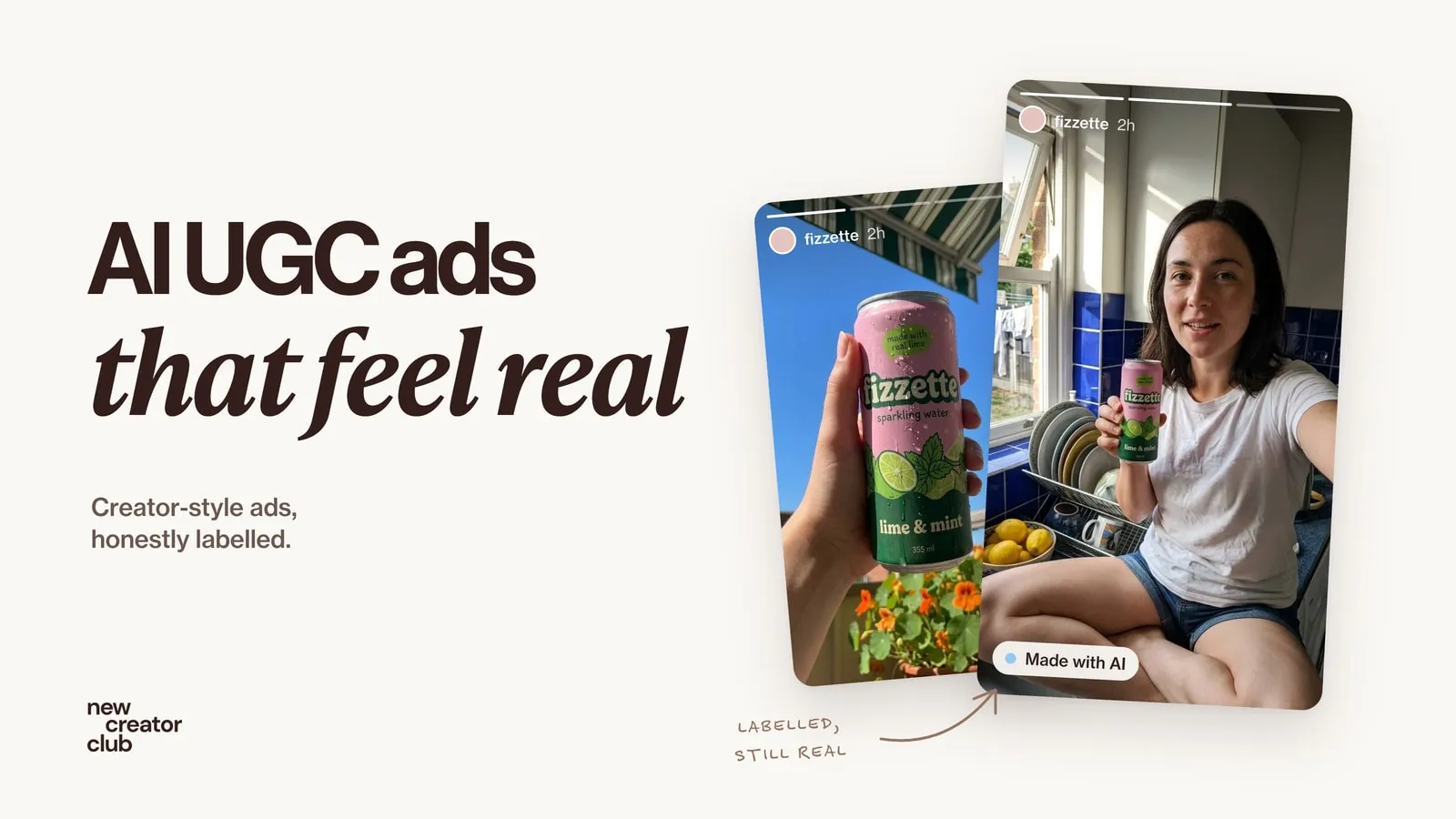
AI UGC ads that look real (and stay honest)
How to make AI UGC ads that feel like real phone videos: script, camera look, avatar or creator, B-roll and edit, plus where AI fails and what to disclose.
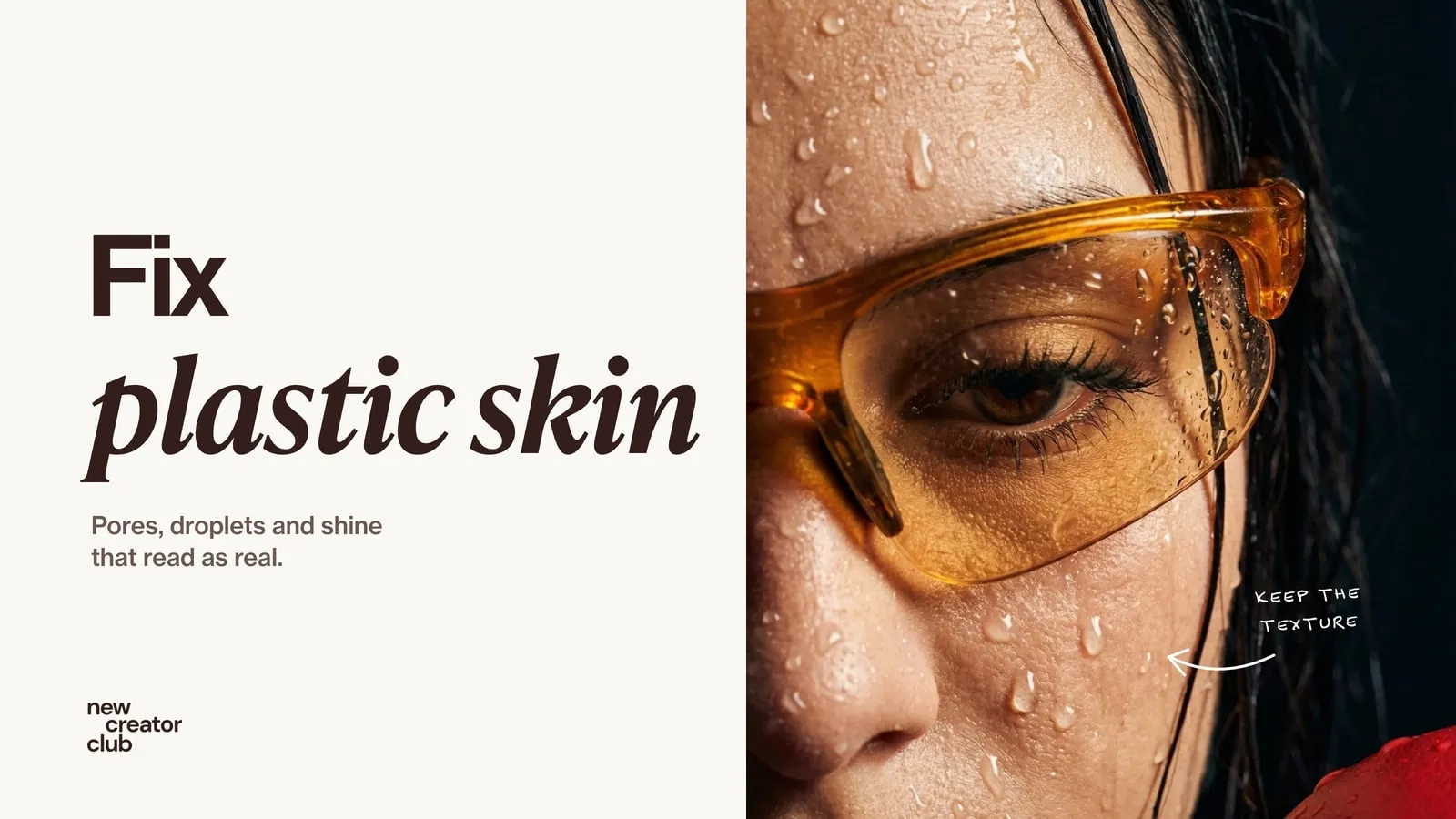
How to fix plastic skin in AI portraits
Realistic skin texture prompts that fix plastic AI skin, plus the light, editing and upscaler settings that keep pores, with close-ups to check against.
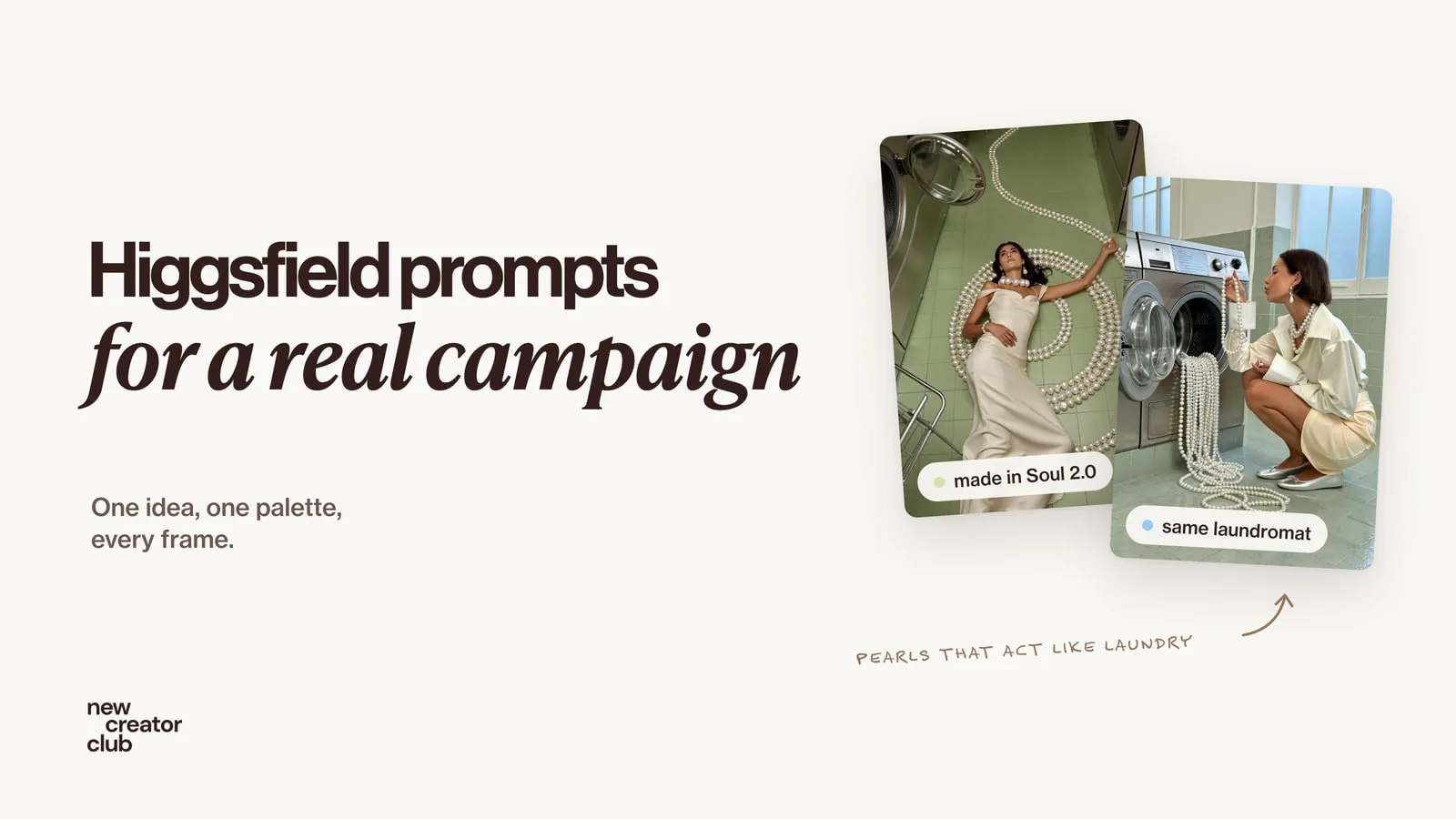
Higgsfield prompts that look like a real campaign
Higgsfield prompts for a whole campaign: the full prompts behind a pearl jewellery shoot made in Soul 2.0, how they are built and fixes when it looks AI.