AI UGC ads that look real (and stay honest)
How to make AI UGC ads that feel like real phone videos: script, camera look, avatar or creator, B-roll and edit, plus where AI fails and what to disclose.

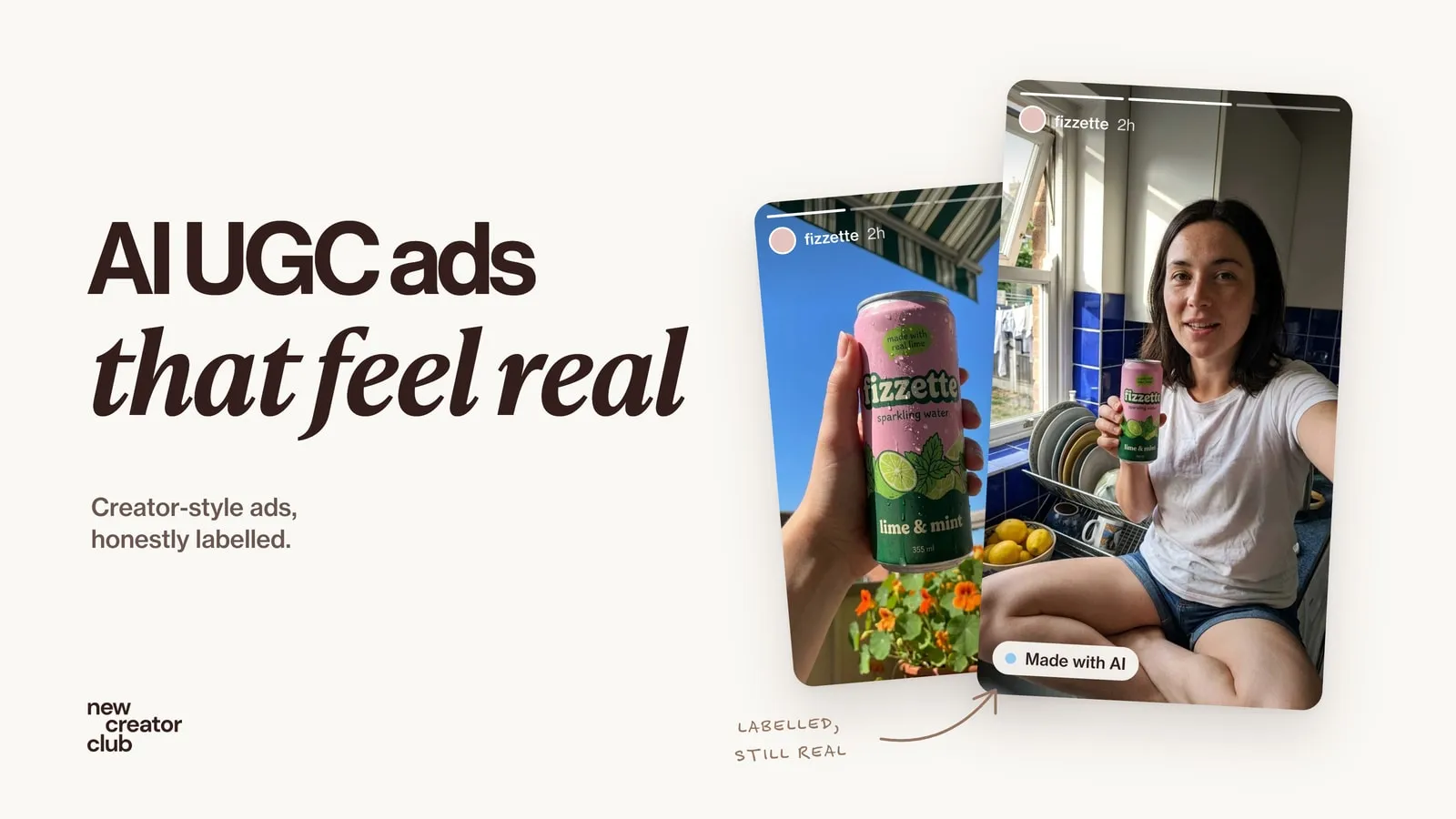
AI UGC ads are short, phone-style video ads made partly or fully with AI: an AI presenter, an AI twin of a real person, or a real creator filmed once and extended with AI B-roll. They work best when they look like something a person actually filmed, say one clear thing, and are honest about who is speaking.
UGC, user-generated content, is the style of ad that looks like a person filmed it on their phone. AI can now make every part of it: the presenter, the voice, the product shots and the edit. That makes it easy to produce a lot of ads quickly, and just as easy to make ads that look fake or mislead people. This guide walks through how to make AI UGC ads that look real, where the method still fails, and what you need to disclose.
In short:
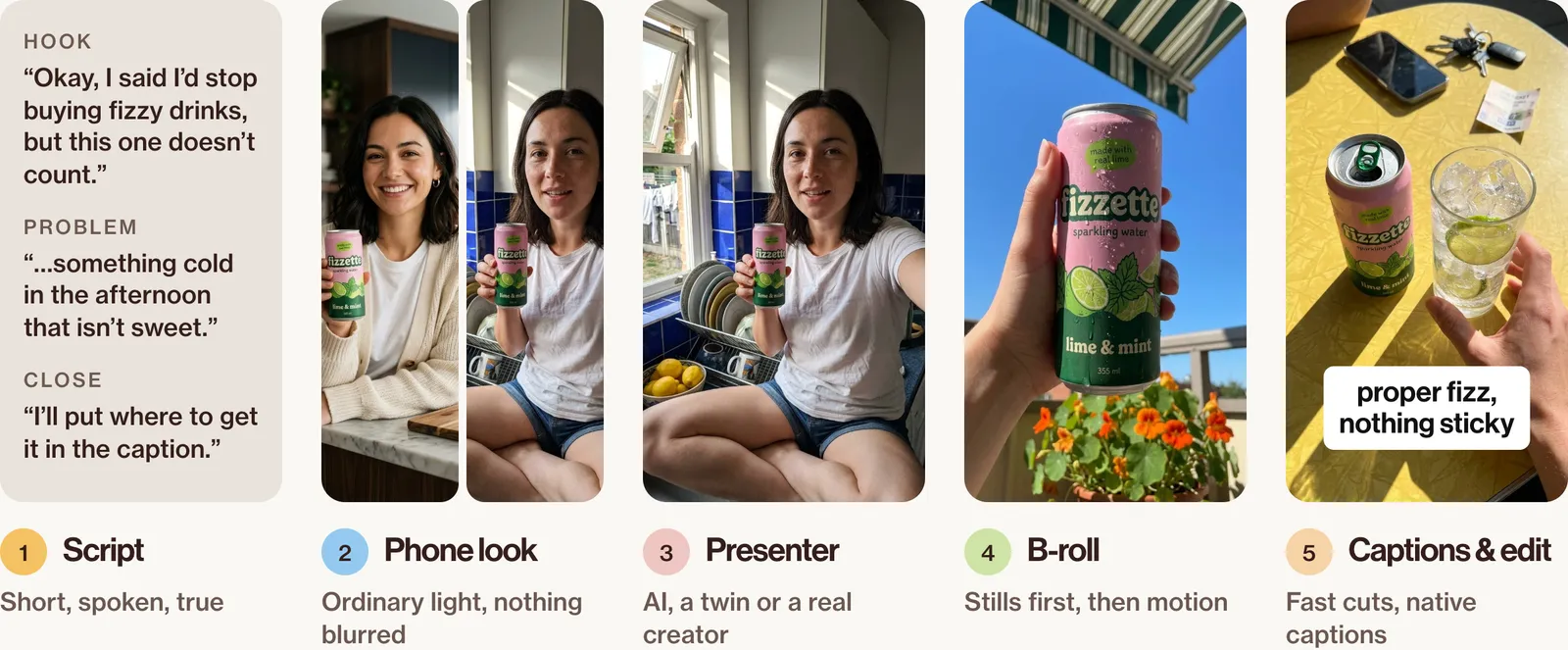
- The workflow has five stages: script, phone-camera look, presenter, B-roll and product shots, captions and edit.
- Realism comes from the script and the phone look more than from the most expensive model.
- An AI presenter must never pretend to be a real customer.
- Label realistic AI content wherever the platform asks.
What counts as an AI UGC ad
An AI UGC ad is a phone-style ad where some or all of what you see or hear is made with AI. There are three main kinds:
| Kind | What it is | Best for | Main risk |
|---|---|---|---|
| AI presenter | A fully synthetic person | Explainers, product demos, voice-over ads | Looking like a fake customer review |
| AI twin | A trained likeness and voice of a real, consenting person | Founders and creators making many versions of their own ads | Consent, and keeping it up to date |
| Real creator + AI | A real person on camera, with AI B-roll, product shots, extra hooks or translations | The most believable option | Less speed and scale |
AI UGC is not the same as an AI influencer, a recurring synthetic character with its own audience. This guide is about ads.
The workflow at a glance
Step 1: Write a script that sounds like a person
The shape of a short ad
A 20–30 second UGC script has four parts: a hook that stops the scroll, the problem in the viewer's words, the product moment where you see it in use, and a close that says what to do next. Any proof in it must be something you can genuinely stand behind.
A fill-in script template
Hook (2–3 seconds): [a surprising or relatable first line, spoken to camera].
Problem (4–6 seconds): [the situation the viewer is in, in their own words].
Product moment (8–12 seconds): [what the product is and what you see it do, shown as it's said].
Close (3–4 seconds): [one clear next step, said plainly].
An example script
For a can of lime sparkling water from an invented brand:
Hook: "Okay, I said I'd stop buying fizzy drinks, but this one doesn't count." Problem: "I wanted something cold in the afternoon that isn't sweet." Product moment: "It's just sparkling water with lime. Proper fizz, nothing sticky." (opens the can, pours it over ice) Close: "I'll put where to get it in the caption."
Written for an AI presenter, this works as a presenter speaking, not as a customer's review. For a real customer story you need a real person who has really used the product.
Words that give an ad away
| Say | Not |
|---|---|
| "It's just…" | "a total game-changer" |
| "I use it when…" | "elevate your routine" |
| "Here's what it does" | "unlock your potential" |
| "Proper fizz, nothing sticky" | "a revolutionary refreshment experience" |
AI makes the person. It doesn't make a claim true: everything the script says must be true of the real product.
Step 2: Get the phone-camera look
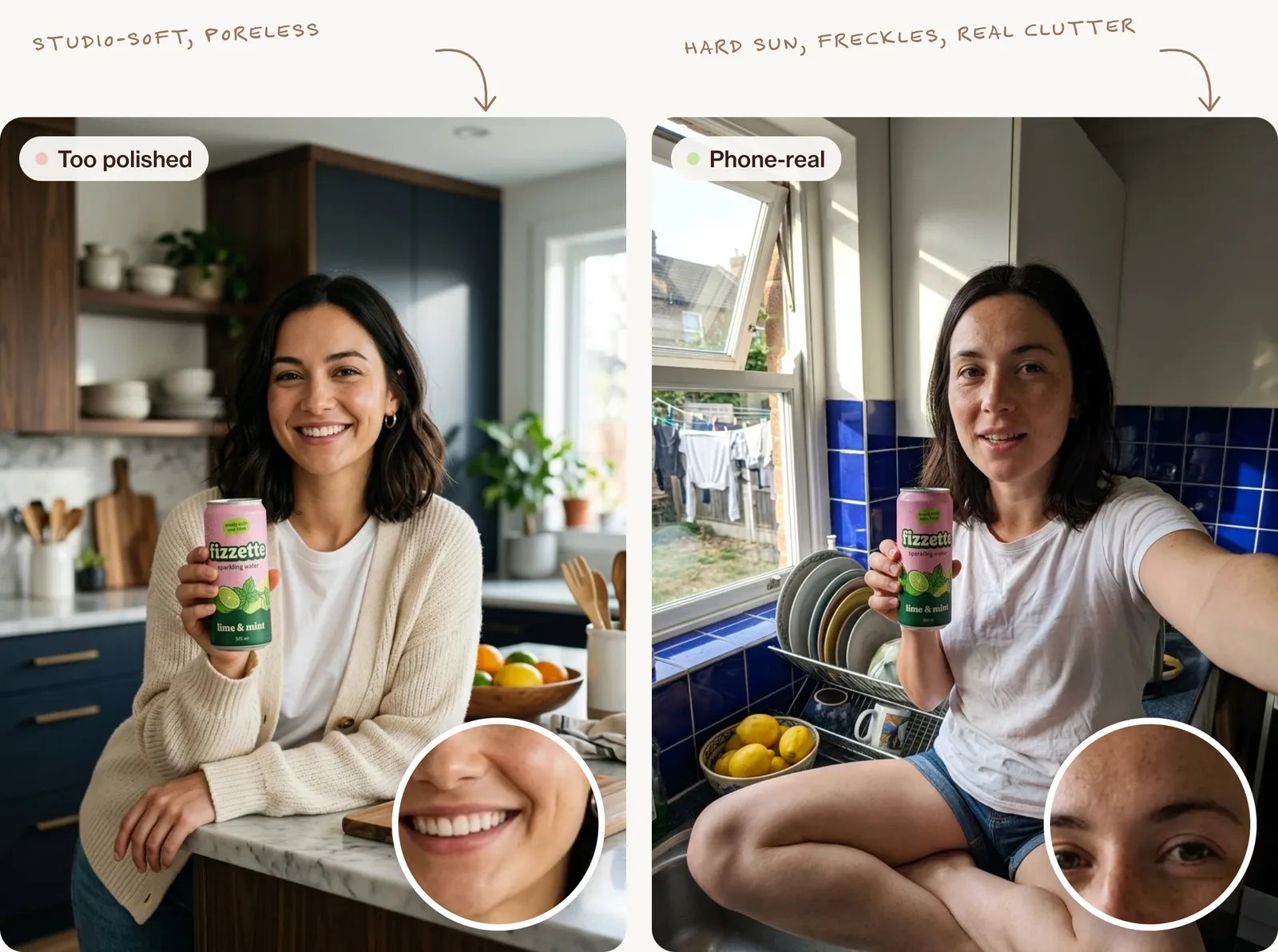
Real UGC is filmed on a front camera at arm's length, in ordinary mixed light, with a slightly wide-angle look, an everyday background and imperfect framing. Polish is what gives AI UGC away.
The keyframe prompt
Most AI UGC videos start as a still image that is then animated. Attach a clean packshot of your product as a reference:
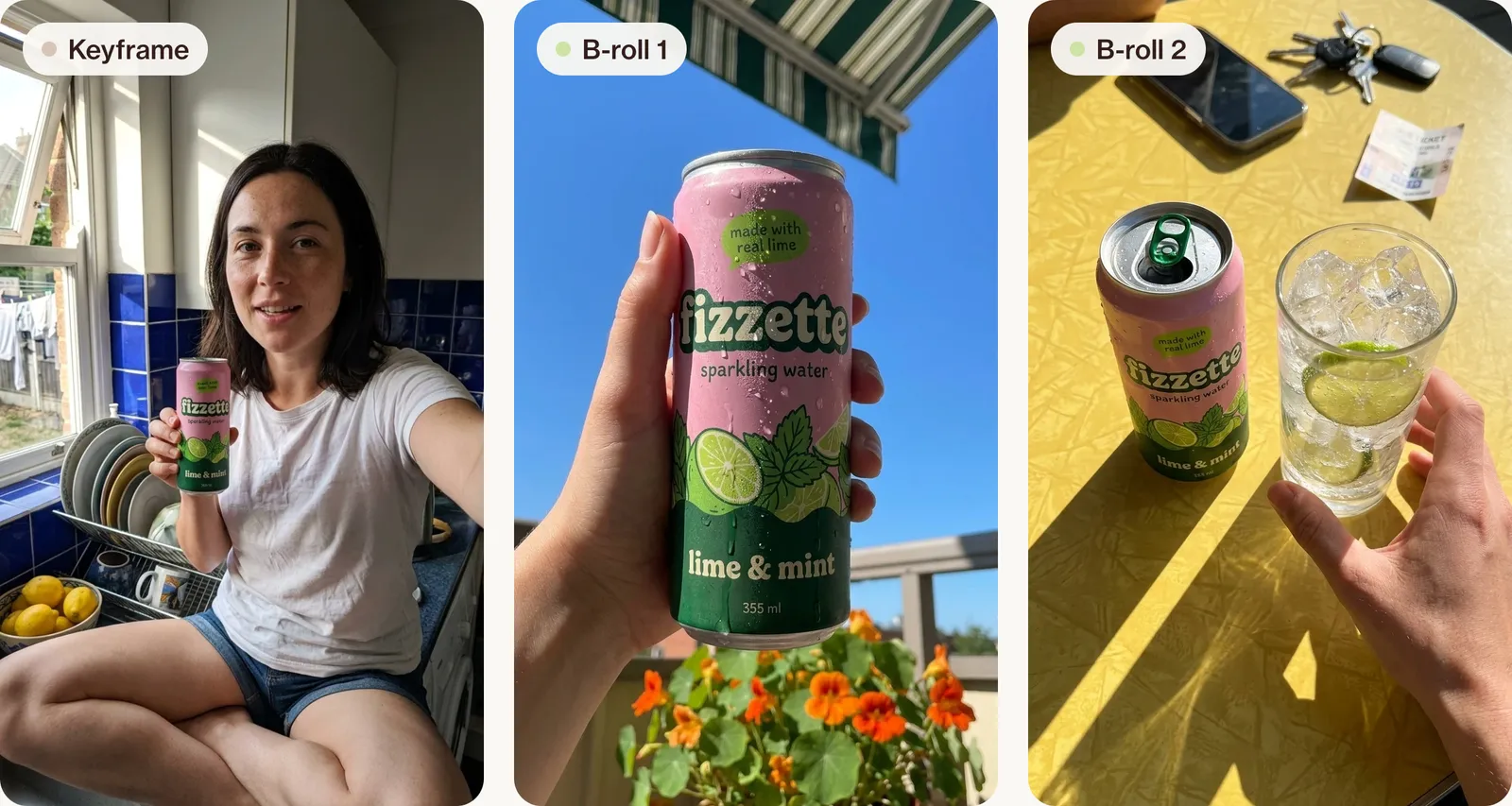
Creative direction: an unpolished afternoon video someone films on their own phone to tell a friend about a drink, not a brand shoot. Art direction: a woman in her late twenties with shoulder-length dark hair and a few freckles, sitting cross-legged on the counter of a small kitchen with glossy cobalt-blue tiles, holding the bright pink-and-green can of sparkling water at chest height with the label facing the camera, mid-sentence with a half smile; behind her a dish rack, a bowl of lemons and an open window with washing on a line outside. Product material: keep the can exactly as in the reference: its colour, wordmark and small text unchanged, light condensation on the metal. Palette: cobalt tiles, lemon yellow, her plain white T-shirt, the pink-and-green can. Lighting: bright afternoon sun through the window on her left, a hard patch of sunlight across the tiles and one side of her face, the other side in cooler shade, no added studio light. Photography: vertical 9:16 front-camera phone selfie at arm's length, slight wide-angle distortion at the edges, everything in focus the way a phone sees it, from her face to the washing outside, a little noise in the shadows, framing slightly off-centre. Mood: relaxed, chatty, honest, a bit amused. Post-processing: nothing beyond what a phone does: no colour grade, no beauty smoothing, natural skin with visible pores, mild phone sharpening.Common tells and fixes
| Tell | Fix |
|---|---|
| Perfect, poreless skin | Ask for natural skin and no smoothing; see how to fix plastic skin |
| Studio lighting | Name one ordinary light: a window, a ceiling bulb |
| Cinematic background blur | "Phone camera, background readable" |
| A warping label | Start from a real packshot and keep the product sentence fixed |
| Odd hands | Simple grips, short takes, cut away |
| Eye contact that never breaks | Let them glance at the product or away |
The full list is in how to make AI photos look real.
Step 3: Choose who is on camera
An AI presenter
Fits explainers, demos and product showcases where it's clear a presenter is talking. It doesn't fit anything framed as a personal review or "my experience".
An AI twin of yourself or a consenting creator
A trained likeness and voice of a real person. You need their written permission covering what they approved, where it will run and for how long. Never make a look-alike of someone who hasn't agreed.
A real creator plus AI
Often the most believable choice. A real person films the talking parts once; AI makes the B-roll, product close-ups, extra hooks and language versions. Many AI UGC creators offer exactly this as a service.
| Goal | Best option | Why |
|---|---|---|
| Many quick variations of a demo | AI presenter | Fast, consistent, clearly a presenter |
| Your own face in many ads | AI twin of yourself | Your consent, your voice |
| A personal recommendation | Real creator + AI | Only a real person can honestly share an experience |
Step 4: Make the B-roll and product shots
Work image first: make a still for each cut-away, then animate it. Cut-aways show the product while the presenter talks: held up, opened, poured, used.
Keep the product accurate by starting from a real packshot, pasting the same product sentence into every prompt and checking the label in every frame. AI product photography covers this in depth, and AI-generated ads shows how the same product shots become static ads.
A B-roll still:
Creative direction: a quick cut-away a person films on a hot day to show what they're talking about. Art direction: a hand with short unpainted nails holding the can up against a hard blue summer sky on a small balcony, thumb on the side so the wordmark stays fully visible; the edge of a striped awning at the top and a pot of orange nasturtiums at the bottom of the frame. Product material: the same can as the reference, ice cold and beaded with water droplets, one drop running down, no dents, label unchanged. Palette: sky blue, nasturtium orange, white-and-green awning stripes, the pink-and-green can. Lighting: hard midday sun from above, a bright highlight on the rim and a crisp shadow of the thumb on the can. Photography: vertical 9:16 rear phone camera at about 30 cm, everything sharp from the can to the flowers, no portrait-mode blur, a slight tilt. Mood: hot, thirsty, matter-of-fact. Post-processing: natural phone colour, no glow, no added grain.And a second one, from above:
Creative direction: the "here it is" shot a person takes just before drinking, filmed from above. Art direction: the opened can beside a tall glass packed with ice and two lime wheels on a sun-yellow Formica table, a phone, a set of keys and a folded bus ticket around them, one hand reaching in to pick up the glass. Product material: the same can as the reference, the ring-pull lifted, droplets on the metal, label unchanged and readable; clear ice with trapped bubbles, bright green lime flesh. Palette: sun yellow, lime green, bubblegum pink and forest green from the can, clear ice. Lighting: hard afternoon sun from the side, long crisp shadows of the can and glass across the table, sparkles on the ice. Photography: vertical 9:16 rear phone camera held straight above the table, everything sharp, slightly crooked framing. Mood: simple, cold, satisfying. Post-processing: natural phone colour, no glow, no added grain.And the motion prompt to animate the presenter keyframe:
Handheld phone footage with slight natural shake. She lifts the can a little towards the camera, glances at it, then back at the lens and keeps talking. The label stays facing the camera and does not change. No camera movement other than the hand shake. 4 seconds.Keep motion simple: avoid orbits, dolly moves and cinematic focus pulls. They are exactly what a phone can't do.
Step 5: Captions, sound and the edit
An AI UGC video needs the same edit as a real one: cut every second or two at the start, add captions in the platform's native style, use room tone or real ambient sound, and keep text inside the 9:16 safe zones. Make sure the voice suits the face. Any mobile or desktop editor will do.
Before you publish:
- The product looks exactly like the real one, in every frame.
- Hands and lips look right.
- Every claim is true.
- The captions are spelled correctly.
- The AI disclosure is done.
Where AI UGC still fails
Be honest about the limits. Today's tools still struggle with:
- Long takes: lip sync slips over time. Keep takes short and cut often.
- Hands holding small products: fingers merge with the product. Cut away to a product shot.
- Text in motion: labels smear as the product turns. Use a real packshot for close-ups.
- Physics: pouring, squeezing and fizzing can look wrong. Film those moments for real.
- Emotional range: big reactions look forced. Keep the delivery calm.
- Sameness: many ads with the same presenter look alike. Vary hooks, places and people.
Hire a real creator when the ad depends on a real experience, when the product needs to be touched and shown closely, or when you want a person's genuine voice and audience.
Does AI UGC work?
There is no honest single answer, and we won't quote performance figures we can't source. Judge it for yourself: test AI UGC against the ads you already run, change one thing at a time, and compare hold rate, click-through and cost per purchase over a sensible budget.
Is AI UGC allowed? What to disclose
Short version, not legal advice:
- An AI person must not be presented as a real customer sharing a real experience. In the US, the FTC's rule on fake reviews and testimonials, in force since October 2024, covers reviews and testimonials from people who don't exist.
- Platforms ask you to label realistic AI content. Meta adds an "AI info" label to ads made or heavily edited with AI, and TikTok asks advertisers to tick "This ad contains AI-generated content" when they set up an ad.
- In the UK, the ASA's test is whether the ad would mislead people without a disclosure, and a label can't rescue a misleading claim.
- In the EU, the AI Act's transparency rules for deepfakes apply from August 2026.
AI UGC prompts you can use
Every prompt above follows the same eight decisions. To make them yours, change the person and place in the art direction line, replace the product material line with a precise sentence about your product, and keep the phone-camera photography and post-processing lines as they are. More on the structure in AI image prompts that look like real photos.
FAQ
What does AI UGC mean?
User-generated-style content made partly or fully with AI: an AI presenter, AI B-roll or an AI version of a real person.
How do I make AI UGC that doesn't look fake?
Write a natural script, describe a phone camera and ordinary light, keep takes short, and check the product and hands in every frame.
Is AI UGC legal?
AI UGC can be used legally, but an AI person must not pose as a real customer, and realistic AI content often needs a label. Check the platform's rules and your local advertising rules.
Can I make AI UGC for free?
Some tools have free tiers or trial credits, but finished video ads usually need paid plans, and prices change often.
Do I need to say an ad is AI?
Often, yes. Platforms ask for realistic AI content to be labelled, and some laws require it for deepfakes.
Go further
Most AI ads still look like AI, and people scroll straight past them. Inside New Creator Club you learn to make content that doesn't, from the first image to the finished ad, across the leading AI tools. Start creating.
Keep reading
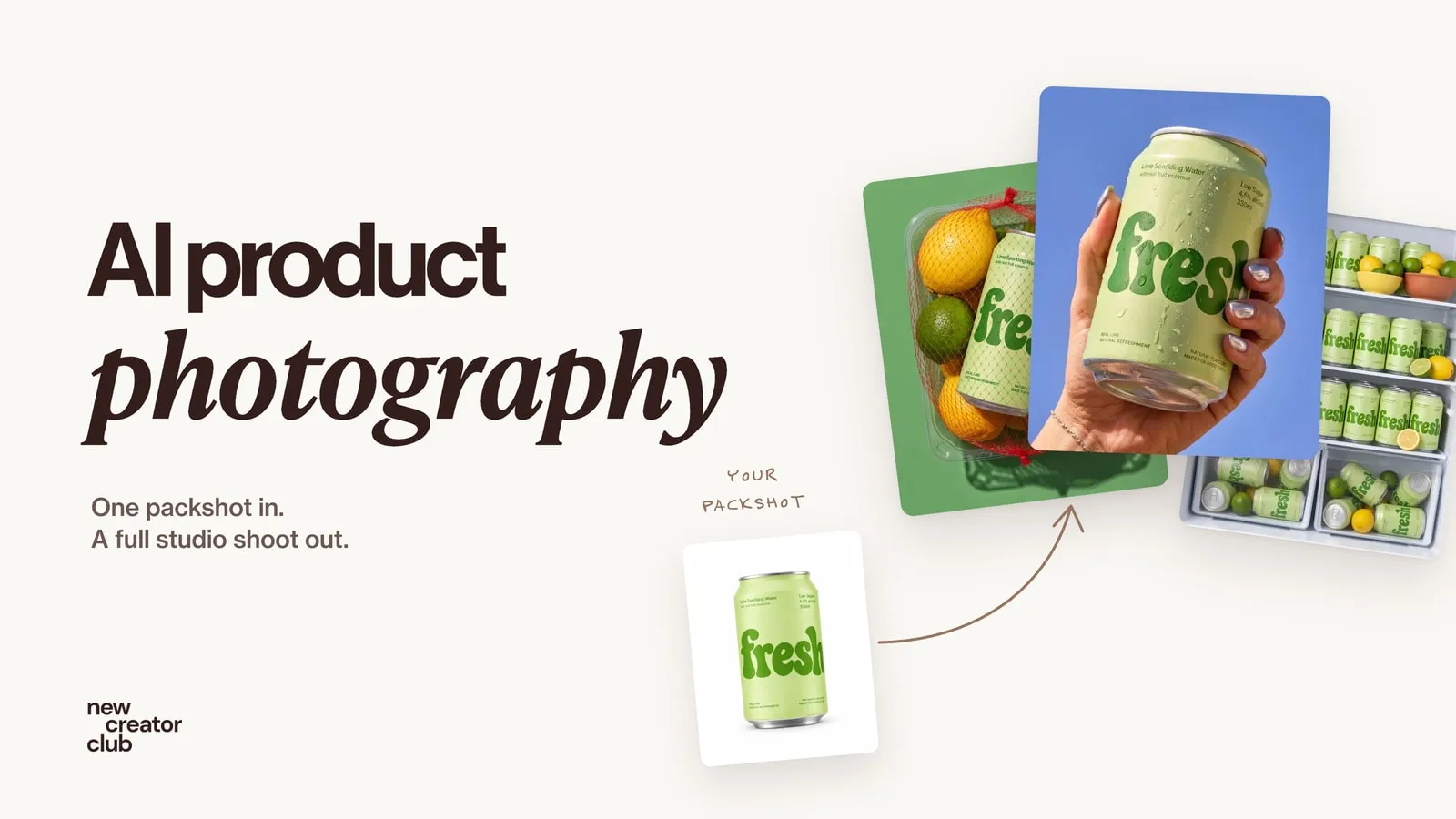
AI product photography: one packshot, a full studio shoot
AI product photography from one packshot: a full studio shoot that keeps the label and colours true, with a worked example, the prompts and the checks.
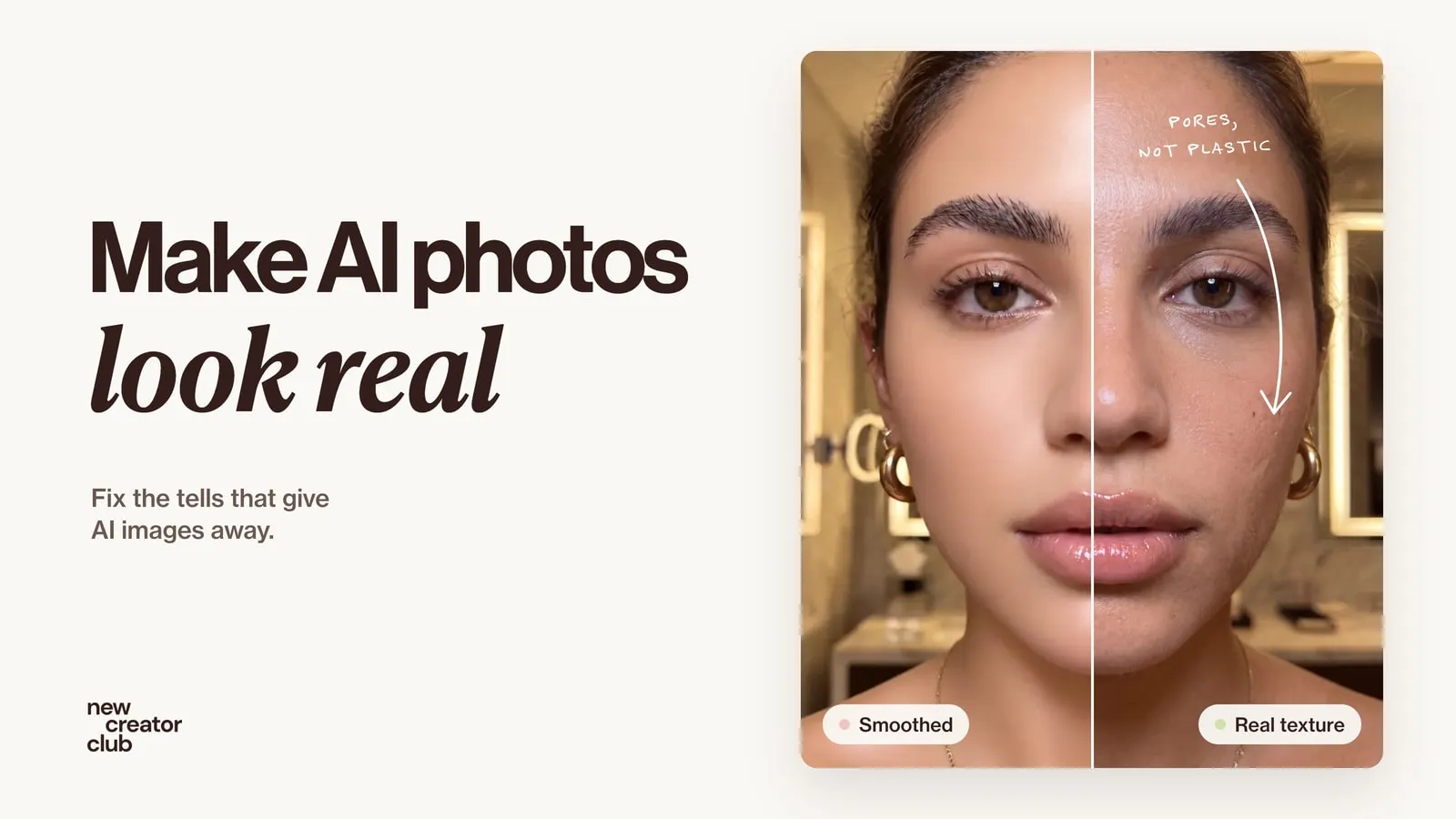
How to make AI photos look real
How to make AI photos look real: why they look fake, and the exact prompt change that fixes each tell, from plastic skin to impossible light.
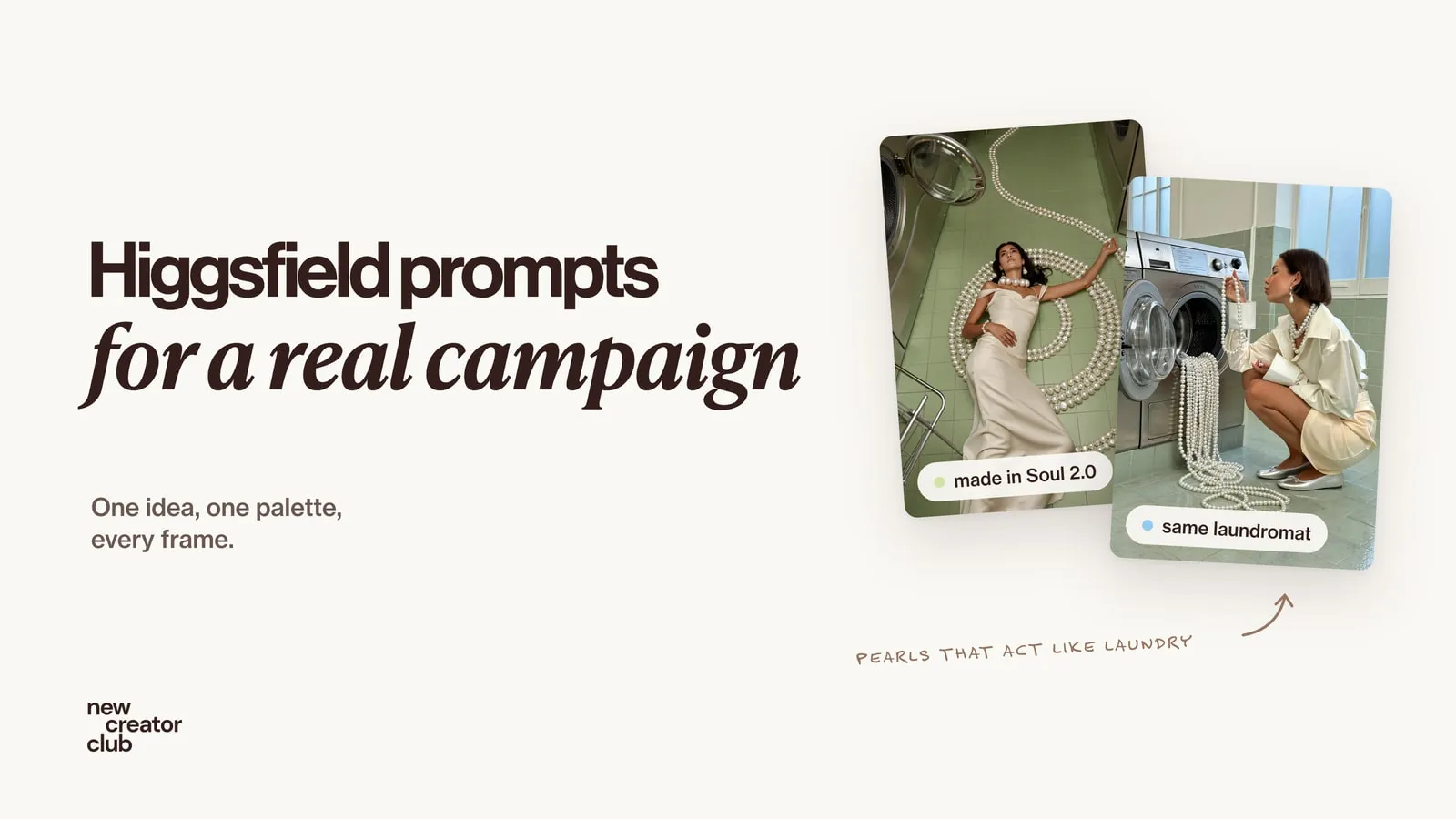
Higgsfield prompts that look like a real campaign
Higgsfield prompts for a whole campaign: the full prompts behind a pearl jewellery shoot made in Soul 2.0, how they are built and fixes when it looks AI.